
The Notes tab allows users to add notes to a claim and is available for Institutional, Professional, and Dental claims on the Claims Entry screen in Claims Connection. Enter the note in the Add a Note field and click Save. The notes display in the grid. 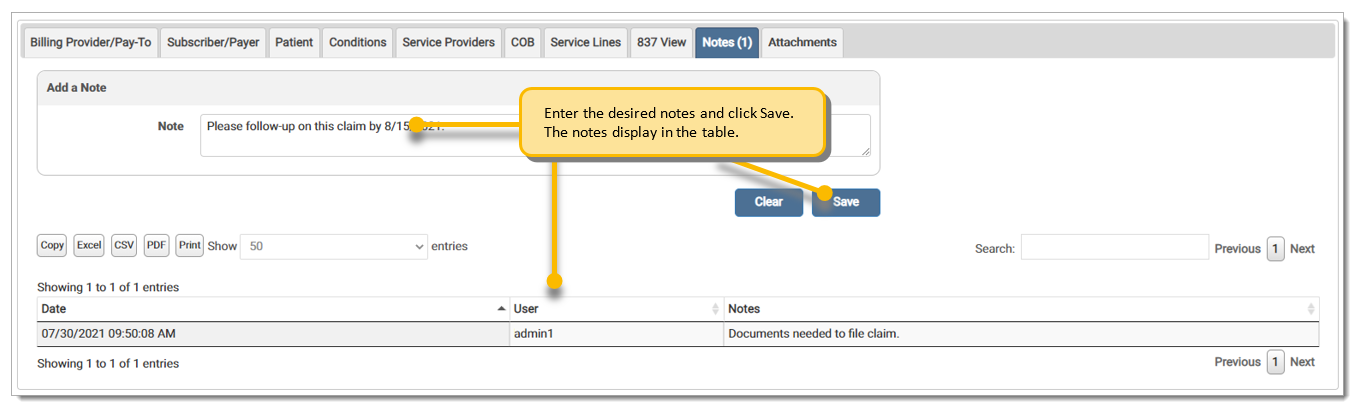
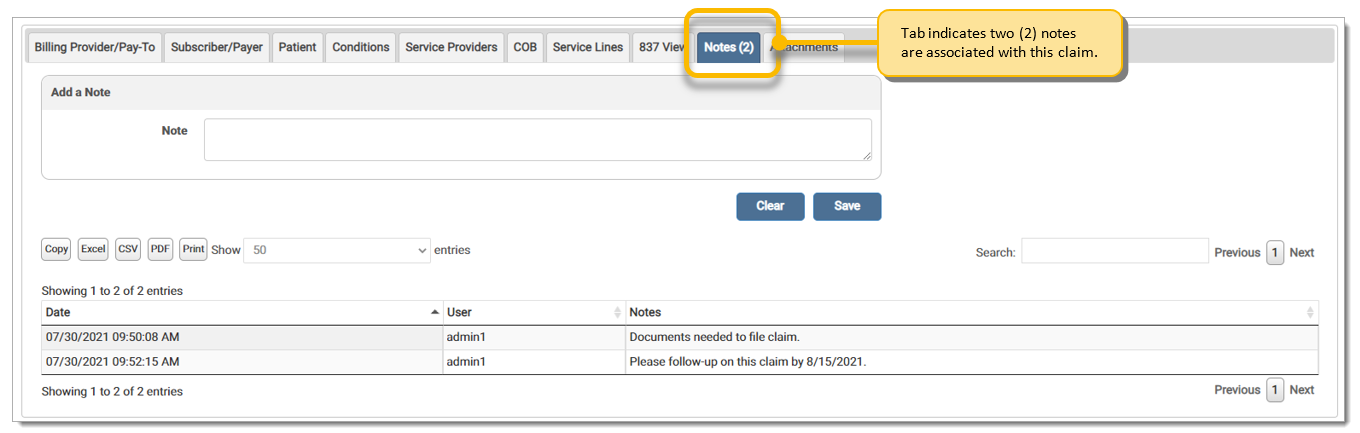
The Notes tab label indicates the number of notes on the claim.
eMEDIX Online | Published: 2026.06.11 | ©copyright 2026 CompuGroup Medical, Inc. – All rights reserved.